Welcome to Elegant Screen Solutions

Elegant Screen Solution – Educational Tablet: HYIE32ES
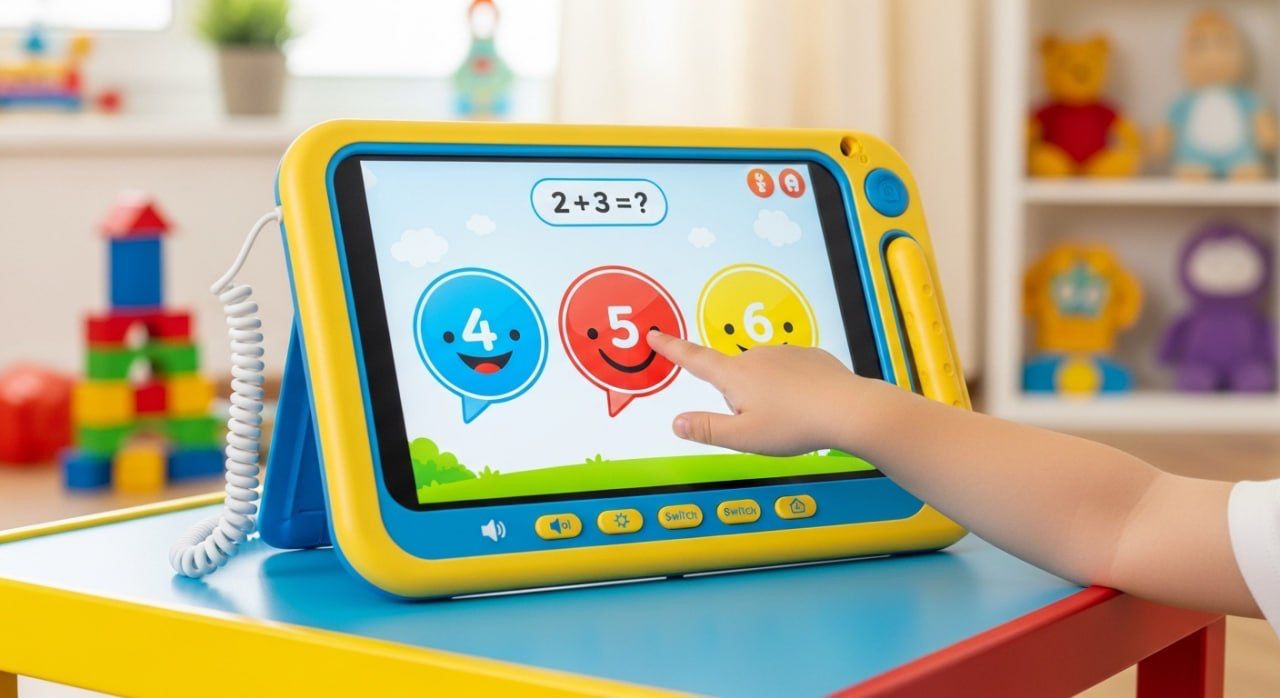
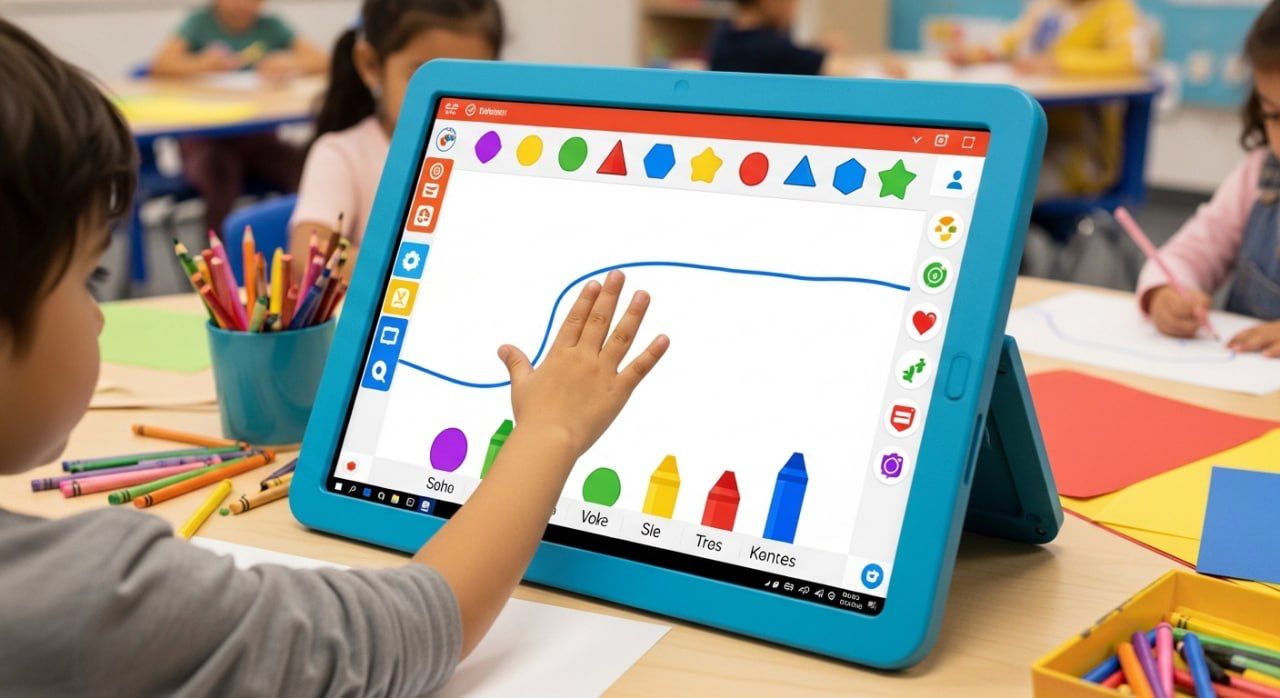
Elegant Screen Solution educational tablet is specifically designed for young children to combine interactive learning with play. Featuring a bright, colorful touchscreen display encased in a durable, child-friendly frame with rounded edges, it ensures safe and engaging use. The device supports tactile interaction, allowing children to easily select answers, such as solving simple math problems, through large, clearly labeled buttons on the screen.
Product Description
Elegant Screen Solution educational tablet is specifically designed for young children to combine interactive learning with play. Featuring a bright, colorful touchscreen display encased in a durable, child-friendly frame with rounded edges, it ensures safe and engaging use. The device supports tactile interaction, allowing children to easily select answers, such as solving simple math problems, through large, clearly labeled buttons on the screen.
Applications of the Educational Tablet:
- Early childhood learning and development
- Interactive math and literacy exercises
- Preschool and kindergarten classrooms
- Special education and therapy sessions
- At-home educational support
- Language acquisition and vocabulary building
- Cognitive skill development
- Fine motor skills enhancement
- Educational play centers and daycare facilities
- Travel-friendly learning device for young children
COMPONENTS
Touchscreen Digitizer: Converts touch inputs into electrical signals for processing.
Display Panel: An LCD or LED screen powered by a backlight system to produce bright, colorful visuals.
Processor (CPU): The central processing unit that runs the educational software and manages user interactions.
Memory (RAM and Storage): Temporary and permanent data storage for running applications and saving progress.
Battery: A rechargeable lithium-ion battery providing portable power to the device.
Audio Circuitry: Amplifiers and speakers for sound output, including voice instructions and feedback.
Input/Output Interfaces: Physical buttons connected to switches, volume controls, and possibly USB or charging ports.
Wireless Modules: Bluetooth and/or Wi-Fi chips for connectivity and app updates (if applicable).
Power Management System: Regulates power flow from the battery to components, ensuring efficient operation and battery protection.
Stylus Sensor: Capacitive or resistive sensor system to detect stylus input through electrical signal changes.
Dimensions: 10″ to 12″
(width) × 6″ to 8″
(height) × 1.5″ to 2″ (depth)
Weight: 1.4kg
Warranty: 1-year limited